Spend less time on busywork and more time delivering high-value service to your clients. Say hello to Scout, your new AI Assistant available directly inside Flexmls. With Scout, you can ask questions about your MLS, but unlike generic AI tools, you’ll get reliable answers that are based on live MLS data. Scout is deeply integrated, accurate, and secure—making it the perfect AI assistant to help you multitask and get the answers you need.
Who gets it?
Flexmls users whose MLS has enabled Scout.
Why does this matter?
With many real estate agents adopting AI tools, it’s more important than ever to have AI tools that seamlessly fit into your workflow and pull from live MLS data. Flexmls’s new AI Assistant, Scout, allows you to ask questions and get answers about your listings, market stats, contact activity, and much more—all without leaving Flexmls. With Scout, you can spend less time searching for information, and more time providing high-value service to clients.
When is this live?
This feature is currently available on Flexmls desktop and mobile for any MLSs that have enabled it.
What is changing?
Scout introduces an AI Assistant available directly inside Flexmls. Users can ask questions and get answers based on real MLS data. Get faster market stats and CMAs, instant contact history, self-serve rules answers, without leaving your workflow.
Try out Scout by clicking on the icon at the top right corner of the screen in Flexmls.
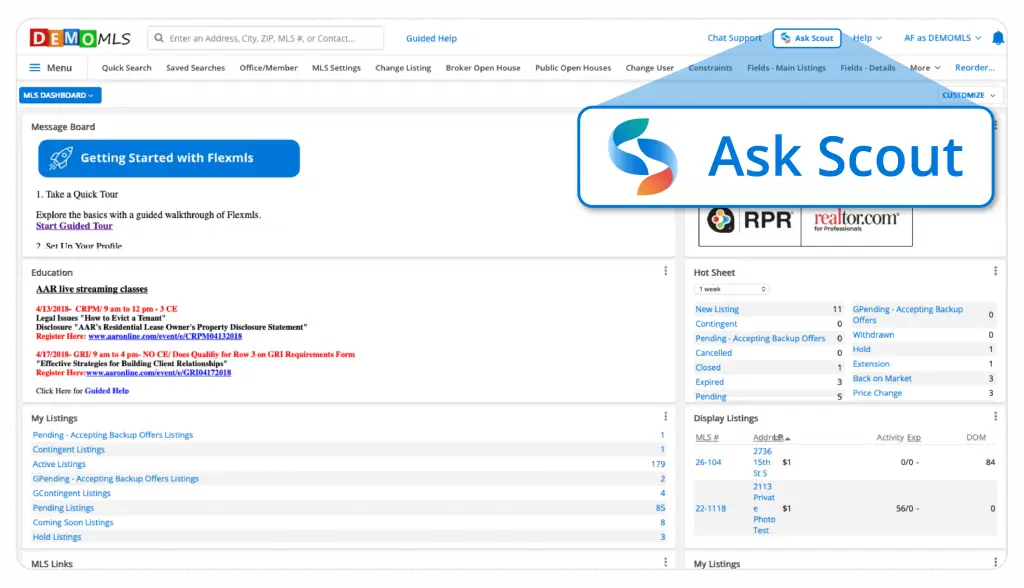
A right-side panel opens, where you can interact with Scout and ask questions. Scout knows information about MLS listings, your listings, market stats, contact activity, MLS rules, and has access to Flexmls help articles. You can ask questions such as:
- What are my total closed sales this year?
- Show me listings my contact Sarah viewed in the last 30 days.
- What are the average days on market for single family homes in my area this month?
- How do I run a CMA in Flexmls?
- What are my MLS’s rules around photos?
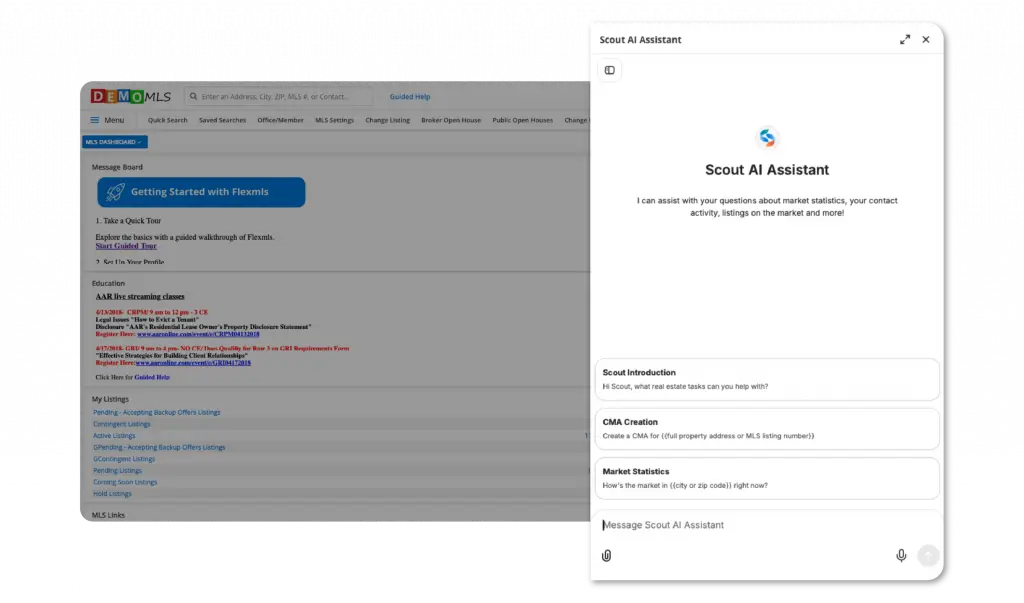
If Scout finds you a listing, you can ask it to generate a shareable link to the listing, so that you can pass it on to your client.
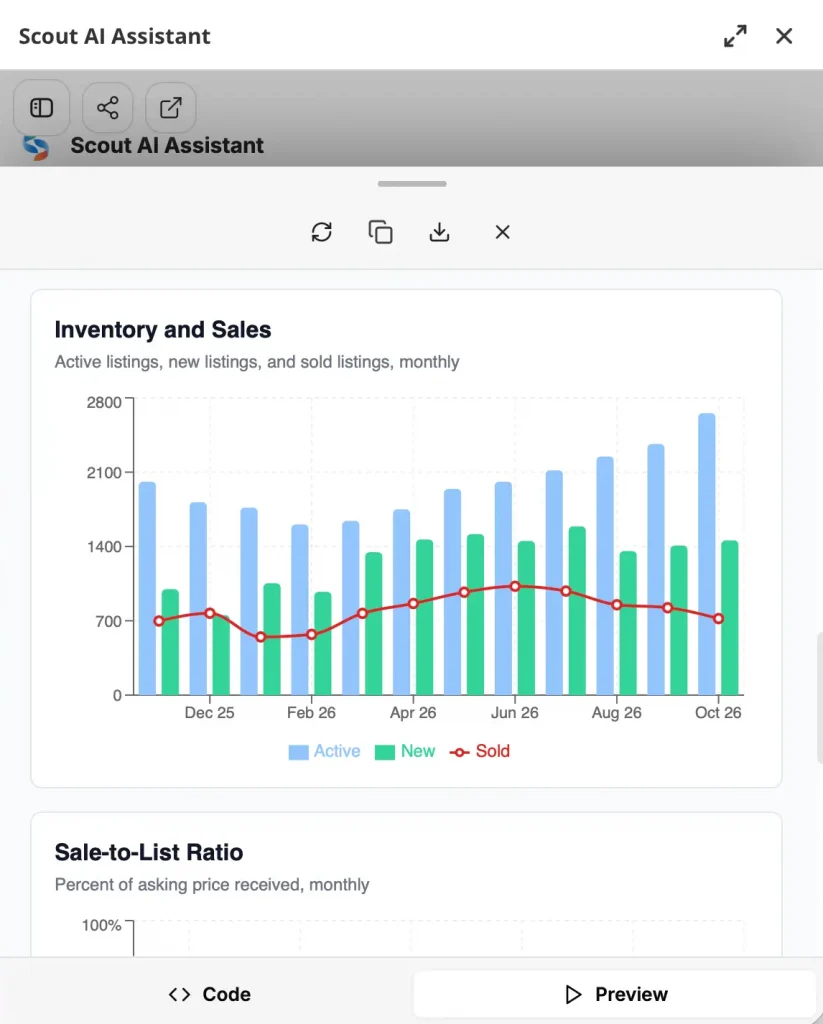
Additionally, you can also ask Scout to create downloadable reports you can share with your clients, such as CMAs or market trends reports for a specific area. Note: Scout can only create html files. When you open the html file in your browser you can print it using your browser’s print options.
Scout on Mobile
Scout is available to you on mobile as well. Both the Flexmls for Real Estate Pros iOS and Android app allow you to message with Scout, ask questions, and get answers.
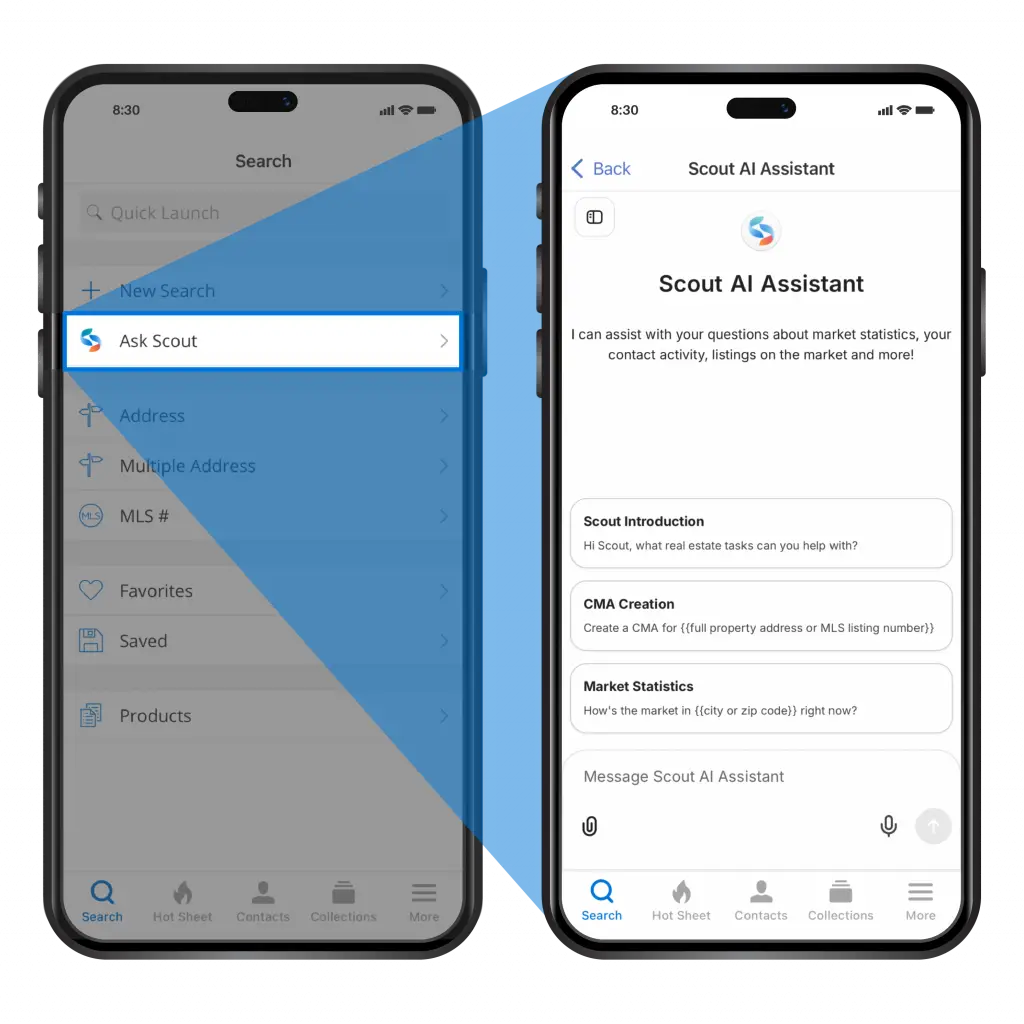
If you’re out in the field or at your desk and want to ask a question quickly, you have the option to use voice dictation. Just click the in the chatbox to start dictating to Scout.