

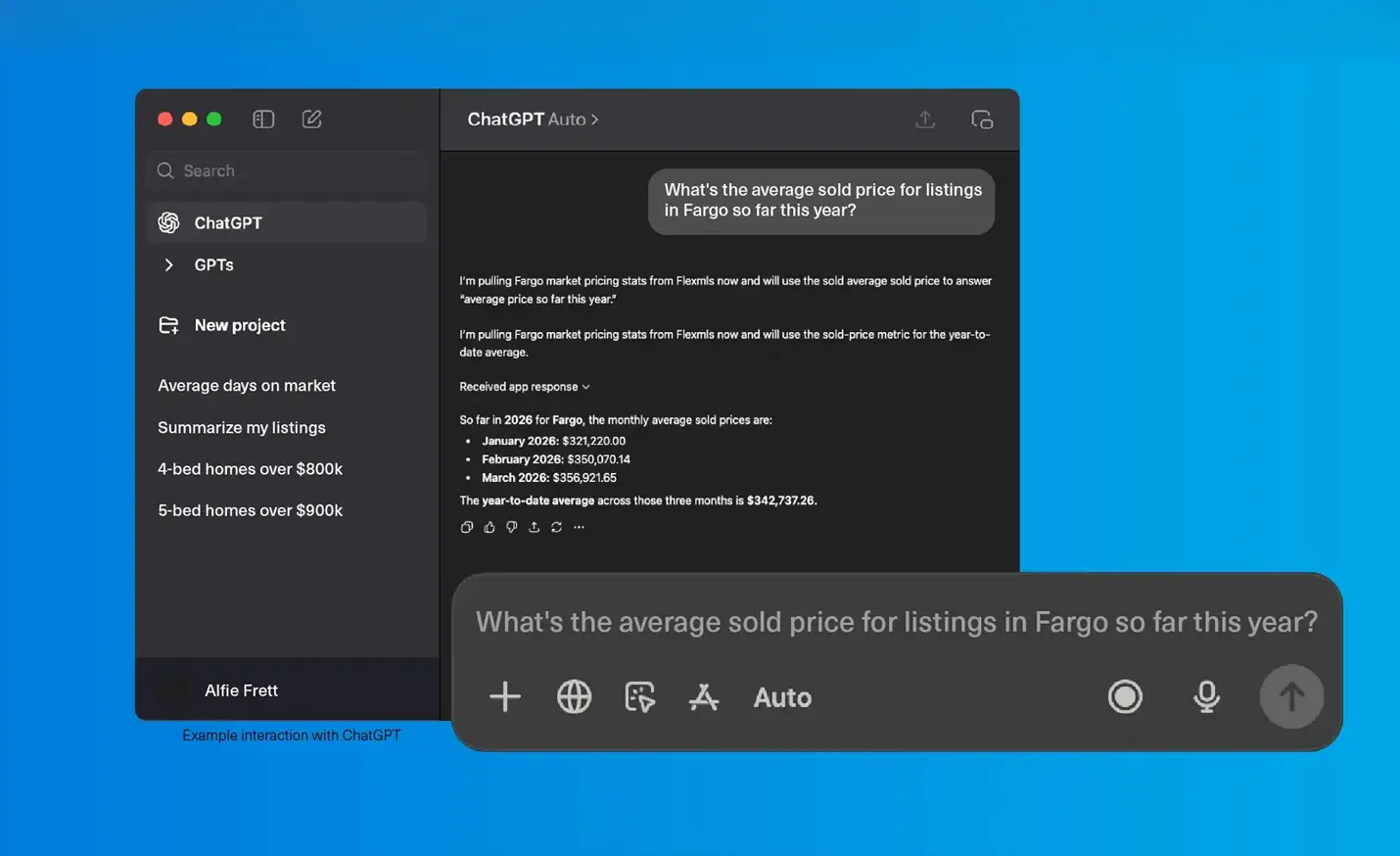
Getting Started with the Flexmls MCP Server
The Flexmls MCP server connects your AI assistant (Claude, ChatGPT, or any other MCP-compatible tool) directly to your Flexmls account. Once connected, you can pull live MLS data using simple prompts, and let your AI assistant turn it into reports, client emails, social posts, and more.
Overview
What is the Flexmls MCP Server?
MCP stands for Model Context Protocol, an open standard that lets AI assistants connect securely to outside data sources. The Flexmls MCP server is Flexmls's implementation of that standard: it gives your AI assistant secure, read-only access into your own Flexmls account.
In practice, that means you can ask your AI assistant questions like “what's the median list price in [city] right now?” or “find me three-bedroom homes under $400k in [this county],” and get real, live MLS data back, not a guess based on information the AI assistant found on the internet.
Why this matters
Search faster
Describe what your client wants in plain language, like “log homes on a lake under $500K” or “3 bed, 3 bath with a 3-stall garage in Fargo,” and get matching listings without building a search field by field.
Analyze faster
Pull inventory, pricing, days on market, absorption, and sale-to-list ratios for any area in seconds, then ask follow-up questions, compare areas, or spot trends in the same conversation.
Create faster
Turn real market data into client-ready reports, newsletters, listing presentations, emails, and social posts in minutes instead of hours.
Answer faster
Get talking points for buyer and seller conversations, like what to expect, how to negotiate, and whether a price adjustment makes sense, backed by current numbers.
Learn faster
Ask how to do something in Flexmls, or, if your MLS has enabled it, check an MLS rule, without digging through help docs.
Keep in Mind
Verify before you send. AI-generated summaries, prices, or stats can contain errors even when the underlying data is accurate. Double-check anything that's client-facing or transaction-relevant against Flexmls directly.
You’re responsible for what you share. Anything you send or post must follow your MLS’s rules and policies, including how market statistics, sold data, and other brokers’ listings and photos can be displayed, as well as fair housing and advertising requirements. The AI assistant won’t always catch these for you.
It's a data connection, not a replacement for your judgment. The MCP server retrieves and helps you work with data; the analysis, pricing strategy, and client relationship are still yours.
Availability depends on your MLS. Your MLS controls whether the MCP server is enabled at all, and some features may vary by MLS (for example, availability of answers for MLS rules).
Before you start
A few things to check before you set anything up:
You need an active Flexmls account.
Your MLS must have enabled the MCP server on their end. If they haven't, you won't see an AI Settings item in your Flexmls menu. If you don’t see AI Settings, reach out to your MLS to ask about enabling it.
You'll need an AI client that supports the MCP standard — Claude, ChatGPT, or another MCP-compatible tool. We find Claude currently offers the easiest end-user setup.
Setup instructions
Turn on AI Settings in Flexmls
Once your MLS has enabled the MCP server, you'll see an AI Settings item in your Flexmls mega menu.
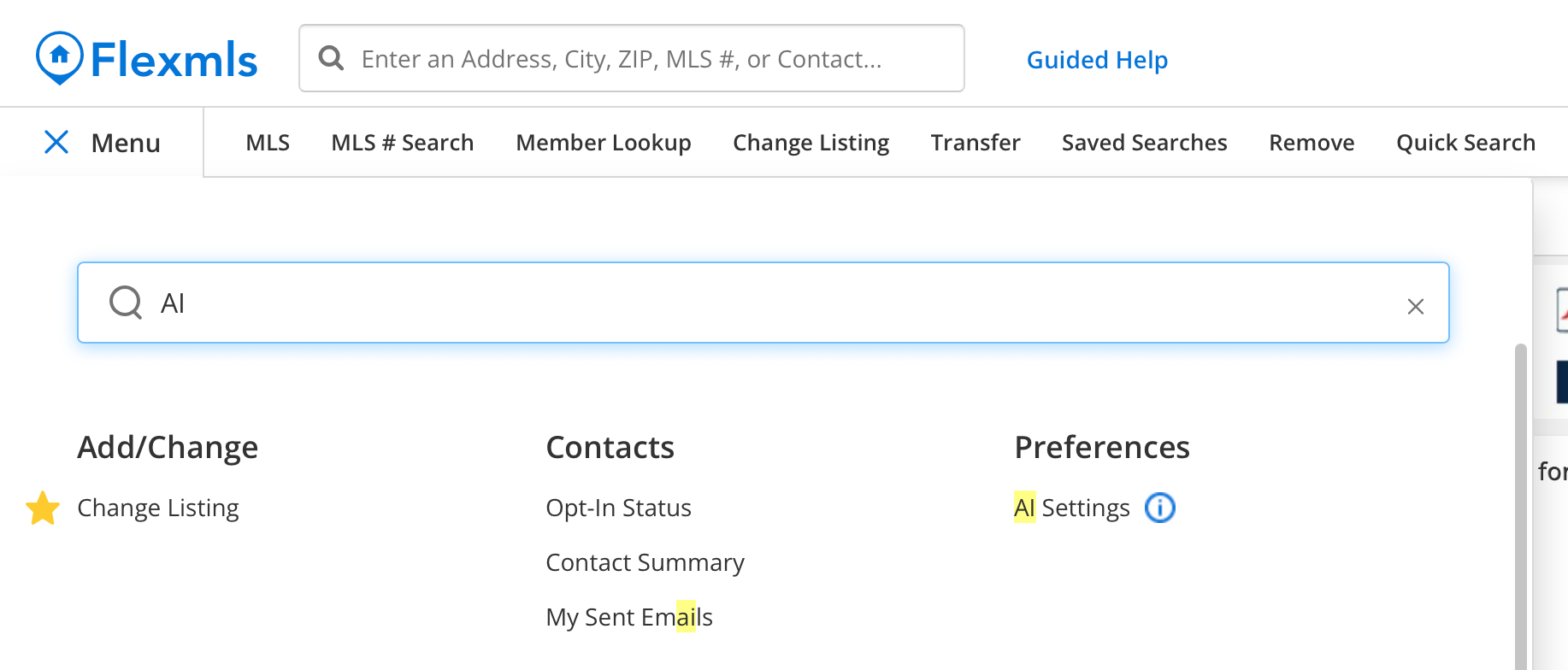
Click AI Settings, then toggle the setting to enabled.
Accept the Terms of Use agreement. This is required before you can use the MCP server.
Connect your AI client
After you accept the terms, Flexmls shows you a setup guide for connecting your AI client of choice. In general, the steps are:
In your AI client's settings, find the “Plugins,” “Connectors,” “MCP Servers,” or “Tools” section and choose to add a new custom MCP server.
Enter the Flexmls server address when prompted for a URL or endpoint:
https://mcp.flexmls.com/mcp
Sign in with your normal Flexmls username and password when your client opens the sign-in prompt, to authorize the connection.
That's it. Your AI client is connected and can query Flexmls data in real time. You can turn the connection off from AI Settings in Flexmls at any time.
Video tutorials
Watch a setup walkthrough
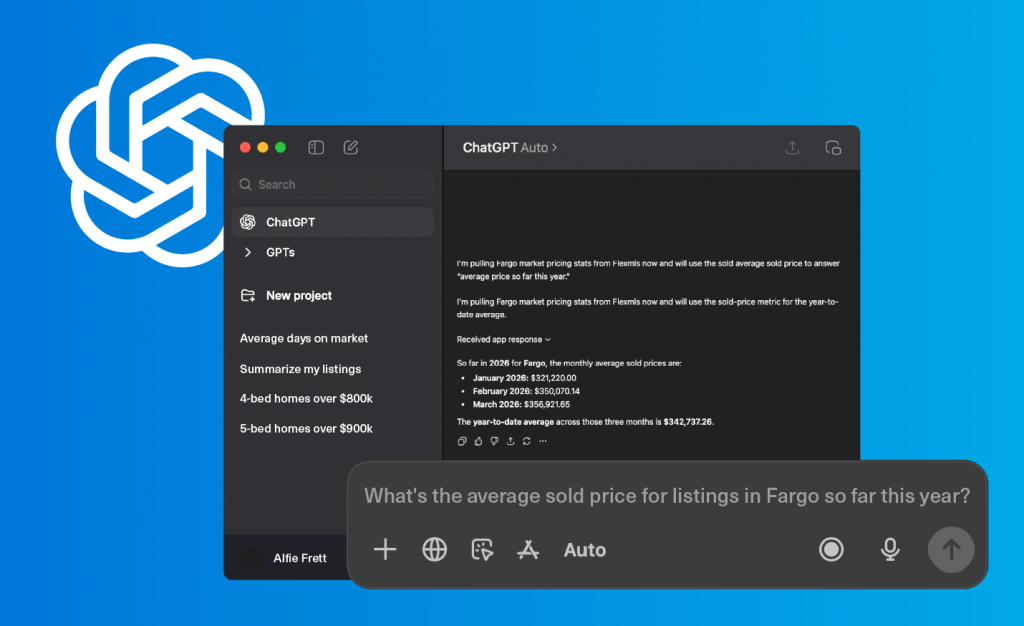
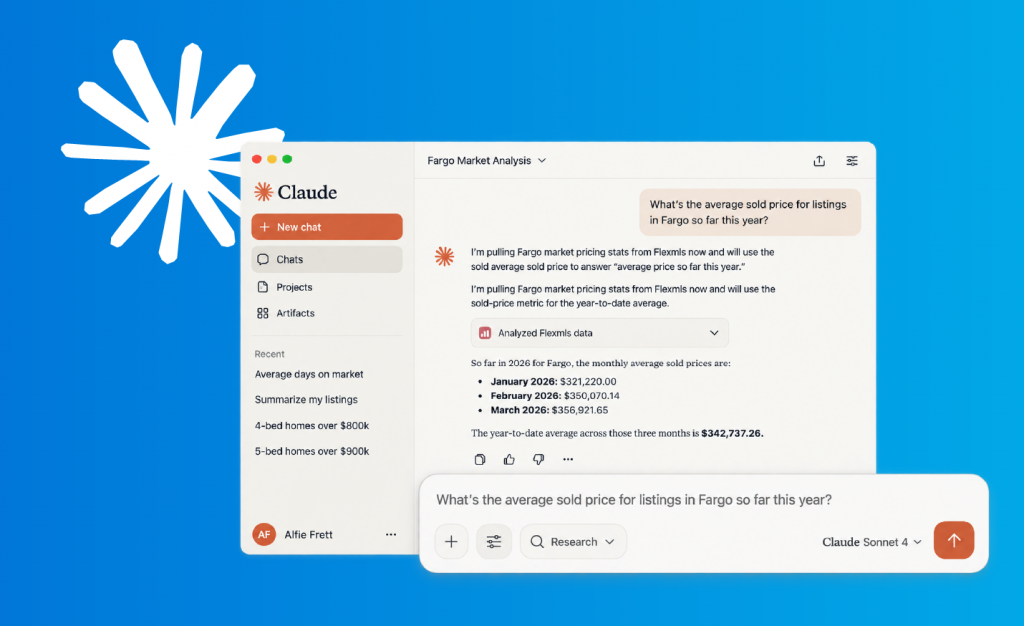
Prefer to watch? These short walkthroughs show you how to set up the Flexmls MCP server in ChatGPT and in Claude.
Frequently asked questions
Is there an extra charge to use the MCP server?
No, the MCP server is available at no additional cost to Flexmls users. However, some AI providers require a paid plan to add custom connectors, and usage limits may apply.
What types of questions can I ask?
Here are a few examples:
“I'm looking for log homes on a lake; can you find me some listings?”
“My client is looking for 3 bedroom, 3 bath, 3-stall garage houses in Fargo. What's on the market right now?”
“Show me the listing photos for [XXXX] listing.”
“I'm looking for residential listings in [city, ZIP code, or county] that have expired in the last 30 days.”
“What open houses are available for [address]?”
The Flexmls MCP server is read-only, so it can’t make changes to your Flexmls account. It can search and retrieve your MLS data, but editing listings, open houses, or contacts still happens in Flexmls directly.
What MLS data can be searched?
Market statistics: inventory, days on market, price, absorption rate, sales volume, and market ratio statistics
Listing search: by property type or any field in your MLS, plus open house info and photos
My Listings: your own listing tools
No contact information about you or your clients is shared with the AI assistant. If you subscribe to multiple MLSs, you'll see data for whichever MLS account you authenticated with.
What chat content is stored?
When you use a third-party AI client, FBS does not store your chat content or the data responses it receives. The AI platform's own privacy policy governs how it handles the data it receives from the MCP server.
How accurate is the data?
The MCP server delivers live Flexmls data accurately, but the AI client's interpretation, synthesis, and presentation of that data may contain errors. Always verify AI-generated outputs — especially listing details, market statistics used in client-facing materials, or anything that informs a transaction — against Flexmls directly.
What AI clients are supported?
Any AI client that supports the MCP standard, including Claude Desktop, ChatGPT, Cursor, and other MCP-compatible tools. Claude currently offers the easiest end-user setup.
Why don't I see AI Settings in my Flexmls menu?
Your MLS has not enabled the MCP server, or
Your MLS requires individual enablement — reach out to your MLS for information, or
Your MLS has disabled access to the MCP server.
Why doesn’t the AI's answer match what I see in Flexmls?
Treat the AI's interpretation as a draft, not a source of truth — the underlying data pull is live and accurate, but summarization can introduce errors. Re-verify in Flexmls directly.
Prompt library
Start with the basics
New to this? Start here rather than the full prompt library below. These five prompts give you a fast, low-effort win:
What’s the current market like in [city]? Show me active listings, median list price, median sold price, and average days on market for the last 12 months in a table.
My client wants a 3 bedroom, 2 bath home under $[price] in [city]. What’s on the market right now?
Show me my active listings and how many days each has been on the market.
What open houses are coming up this weekend in [city or ZIP]?
How do I create a CMA in Flexmls?
Once you're comfortable with the basics, the best results come from thinking in two steps: first, retrieve the exact data you want (this gives you control and lets you exclude anything you don't need); then, let your AI assistant work with that data — summarizing it, analyzing it, or turning it into something client-ready.
Step 1: Retrieve the data
Show me active listings for the last twelve months for [location]. Include active listings, new listings, pending listings, sold listings, median list price, median sold price, average days on market, sale-to-list price ratio, absorption rate, and inventory volume. Present the results in a table.
Find [number] bedroom, [number] bath homes under $[price] in [city/county] that were built after [year]. Display the results in a table and don't analyze them yet.
Compare active listings in [county A] and [county B]. Include price, square footage, days on market, and price per square foot.
Based on comparable sales in [neighborhood] over the last six months, suggest a competitive listing price range for my [number] bed [number] bath, [square feet] listing.
My client is looking for 3 bedroom, 3 bath, 3-stall garage houses in [city]. What's on the market right now?
Step 2a: Understanding the market
Using the statistics above, create a professional realtor market report for consumers, including an executive summary at the beginning covering inventory analysis, pricing trends, buyer insights, seller insights, market outlook, and key takeaways.
Based on these statistics, identify any submarkets, neighborhoods, or price bands within this area that are outperforming or underperforming the overall trend.
Based on the statistics above, explain whether home prices are increasing, decreasing, or remaining stable.
Summarize today's market conditions using the statistics above so I can explain them during client conversations.
Compare this month's statistics to the same period last year and flag anything that has changed direction or accelerated.
Tip: if you plan to share a report with clients, ask your AI assistant to brand it with your brokerage colors or headshot. When it’s generating a report, you can also ask it to flag any values that look unreliable.
Step 2b: Client conversations
Explain the current housing market, and compare it to a “normal” or historically balanced market, so a first-time homebuyer understands whether this is a good time to buy.
Based on current inventory and pricing, explain what buyers should realistically expect in this market.
Based on the current days on market and sale-to-list price ratio, what negotiating strategies may work well for buyers?
Write an email explaining today's market conditions to active buyers.
Write an email encouraging homeowners to schedule a home value consultation, pulling from actual market data so the pitch has real substance.
Based on this market data, generate ten common questions homeowners are asking, along with concise answers.
Based on current days on market and sale-to-list ratio, draft talking points for a seller whose home has been sitting on the market for 60+ days without offers, then write a listing price adjustment recommendation I can send them, including the reasoning behind it.
Step 2c: Content generation
Turn these market statistics into a monthly email newsletter for my clients.
Create a 700-word blog post explaining what's happening in the local housing market.
Write a two-minute video script summarizing this month's market trends.
Turn these market statistics into a seven-slide Instagram carousel with engaging headlines.
Beyond listing search: using Flexmls & MLS rules
The MCP server can also help you learn how to use Flexmls itself, and, if your MLS has enabled it, answer questions about your MLS's rules and policies.
How do I create a CMA in Flexmls?
How do I set up a saved search in Flexmls?
How do I text my client a listing in Flexmls?
What are the MLS rules on how long I have to enter a new listing after signing?
What are my MLS's photo requirements for a listing?
These prompts are just a few ideas to get you started. There are endless ways to put your MLS data to work with AI, so experiment, build on what works, and adapt prompts to your market and your clients. The more specific you are, the better your results will be.