To help make listing entry faster and easier, we are adding progress indicators to our listing input form so that you can easily see your listing entry progress. These indicators allow you to easily see which required fields are left to complete.
Who gets it?
MLSs on the updated listing maintenance module.
Why does this matter?
This change makes it easy for users to see their completion progress on the listing entry form. Having the listing entry progress readily visible helps to reduce errors when publishing by clearly identifying required fields and giving a clear picture of how many fields remain.
When is this live?
Available on January 6, 2026
What is changing?
The listing entry form now includes the following:
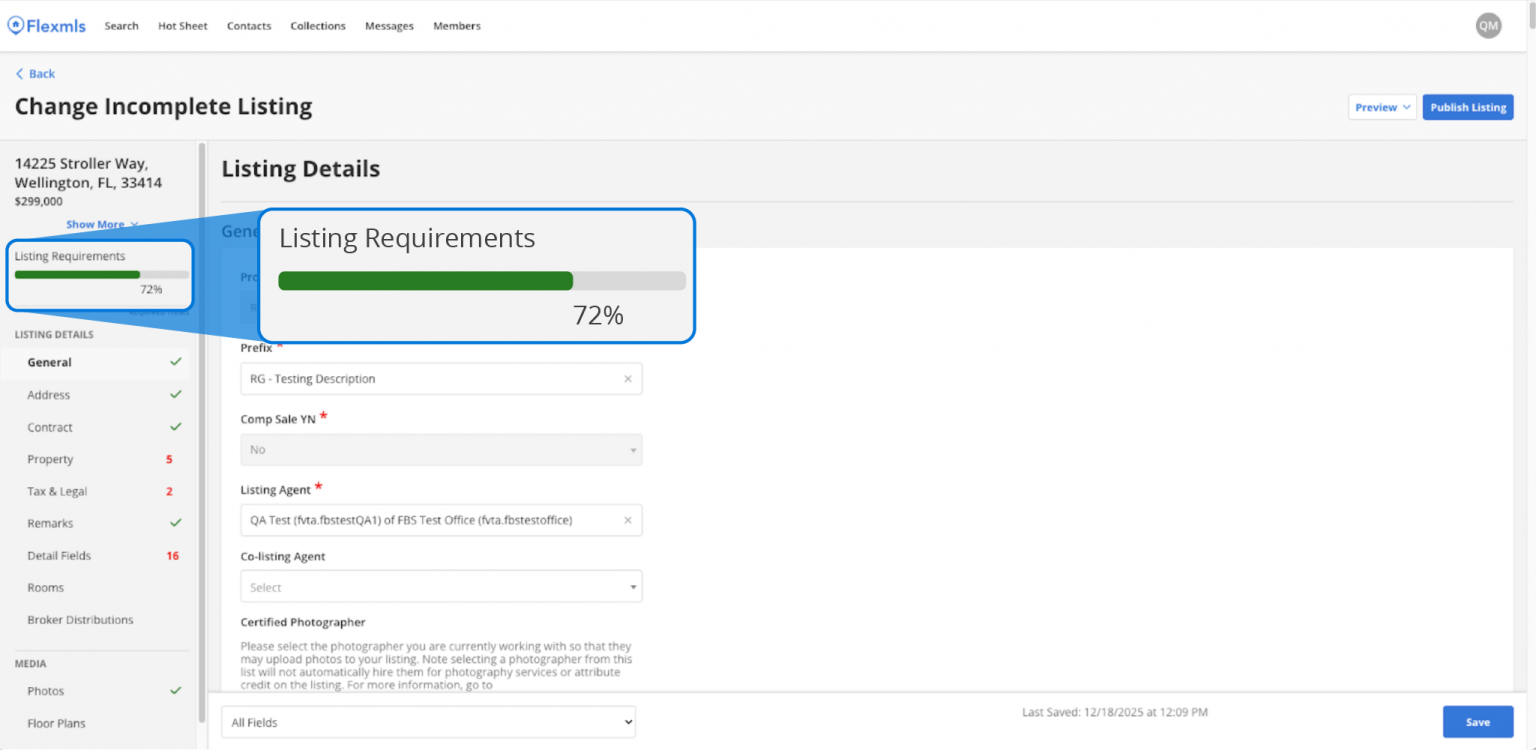
Progress Bar
This displays the percentage of required fields that have been completed.
Required Field Counters
These count down in real-time all remaining required fields that still need to be completed. Once a property section has been completed, it displays a green checkmark.
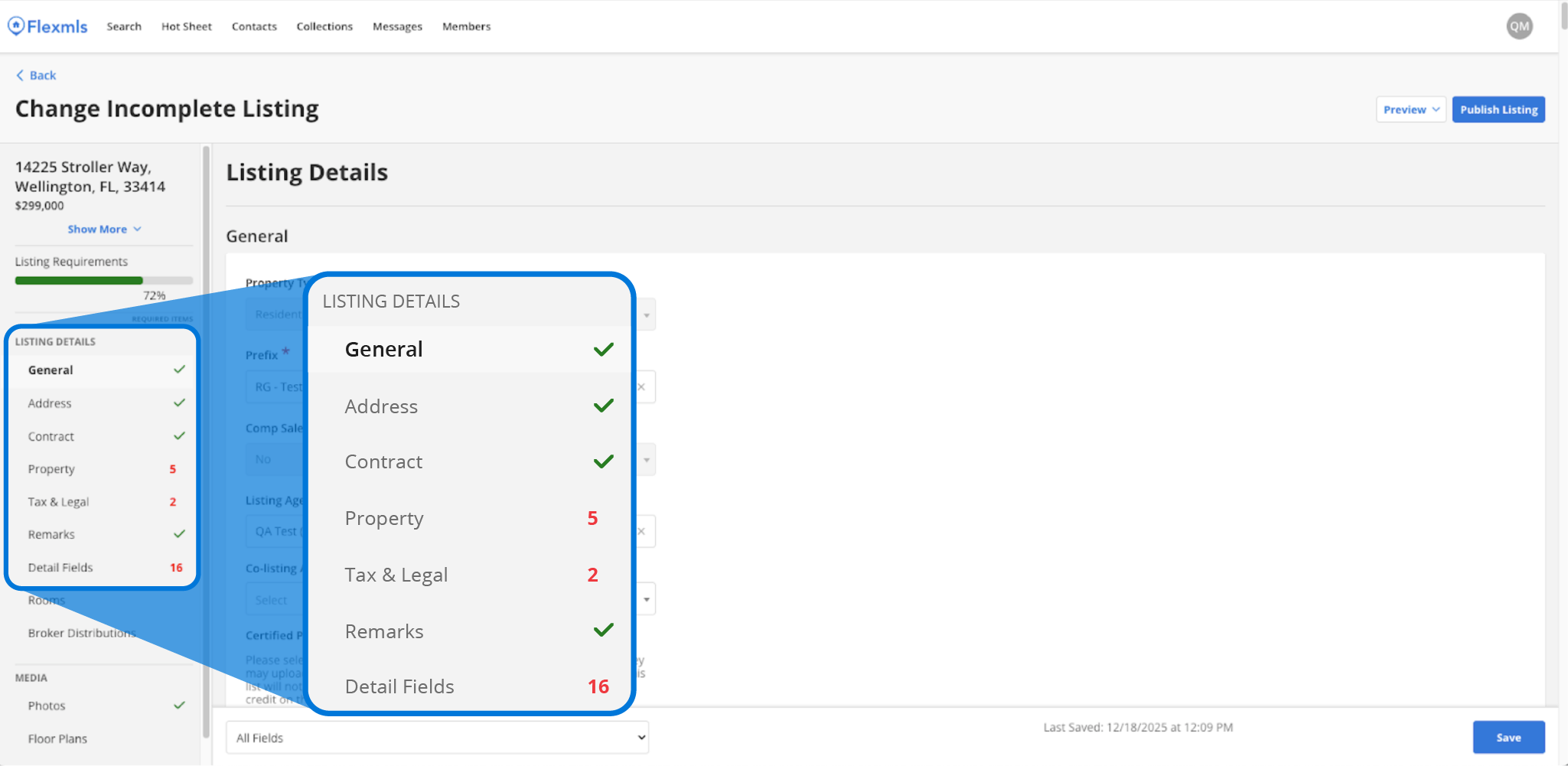
The green progress bar gives a high-level view, letting you know what’s left to complete on the listing entry form. The red numbers give more detailed insight, showing the exact number of required fields left. Both of these progress indicators update dynamically as new required fields appear based on data you input.
Mobile
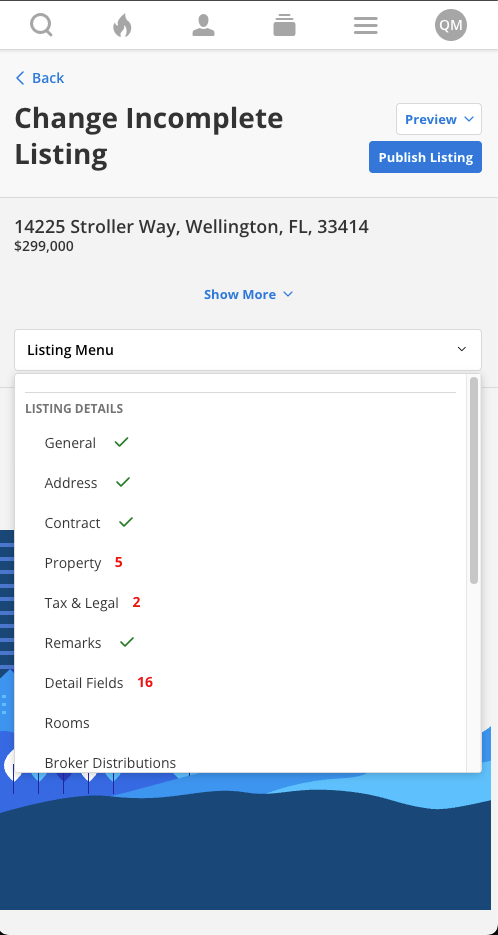
On mobile, you will see the required field counters. To save space on smaller mobile screens, the progress bar has been removed.