We’re excited to introduce a new way to enter and manage listings. While the basic workflow will feel familiar, the updated listing maintenance module is cleaner, simpler, and more intuitive, helping you complete your listings faster and with less effort.
Who gets it?
All Flexmls Customers
When is this live?
This new module will be gradually rolled out to customers. Once it is live for your MLS, it will be available on Flexmls desktop, mobile web browser, and the Flexmls Pro app (iOS and Android).
Why does this matter?
Our goal is to make it faster and easier to complete a listing. By updating the listing maintenance module, we have made the process for entering and editing listings more intuitive and straightforward, reducing the time it takes to enter listings.
What is changing?
The new listing maintenance module features a simple, straightforward listing input form that adapts as you go.
Mobile now has the same features as desktop, making it easy to create a listing from start to finish on your phone or tablet. Start a listing on any platform and seamlessly pick up where you left off—anytime, anywhere.
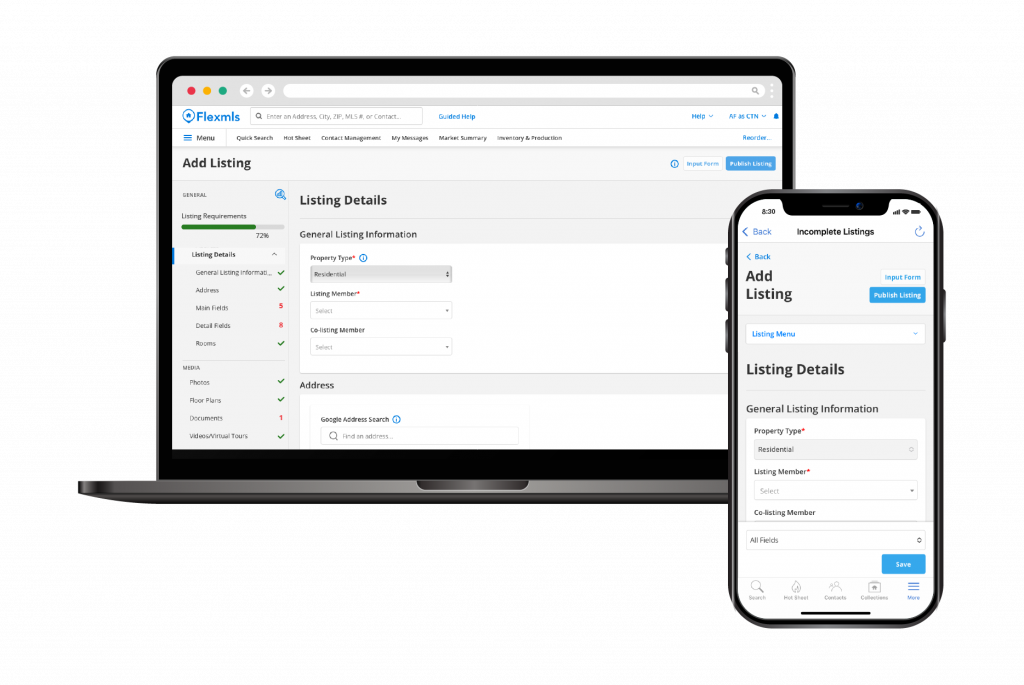
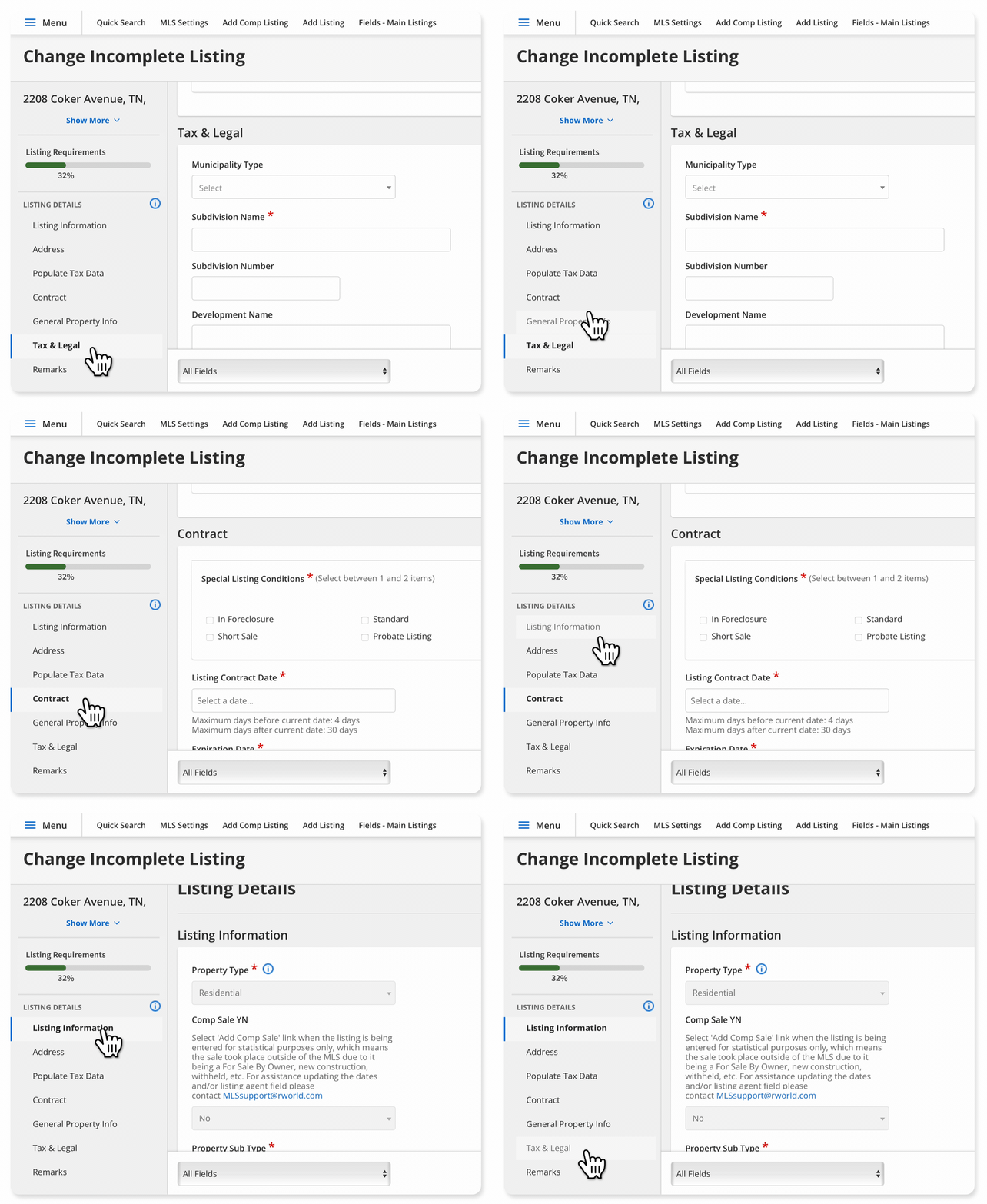
Easily jump to different sections of the listing input form using the left-side navigation menu.
No need to wait and save a listing as incomplete before adding photos and media—you can add photos, videos, and other media to your listing at any point.
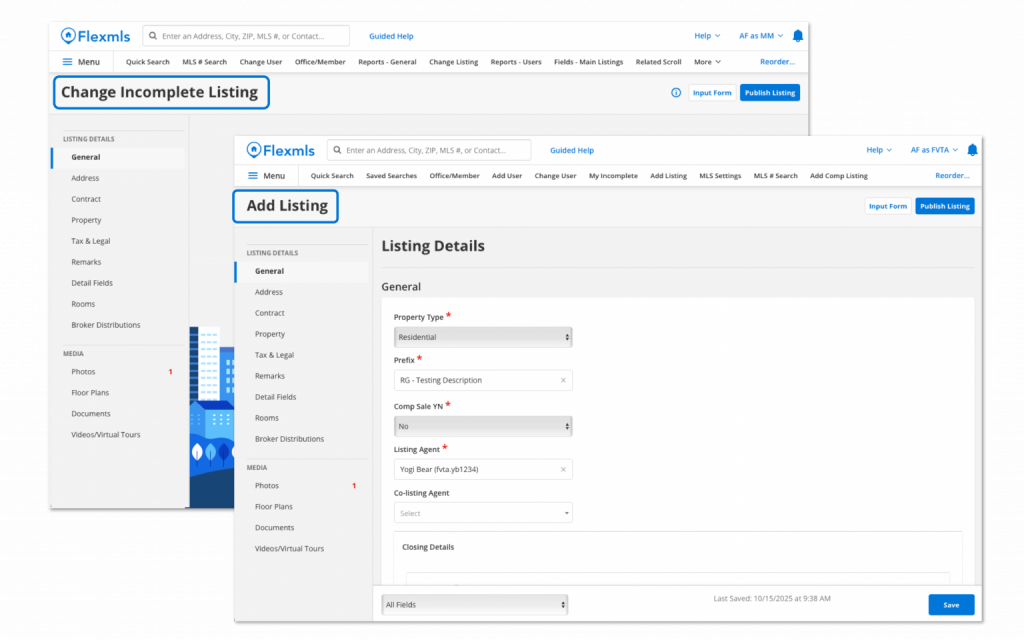
The Publish button is now easier to find, so that you can finish the listing entry process faster and more easily.