

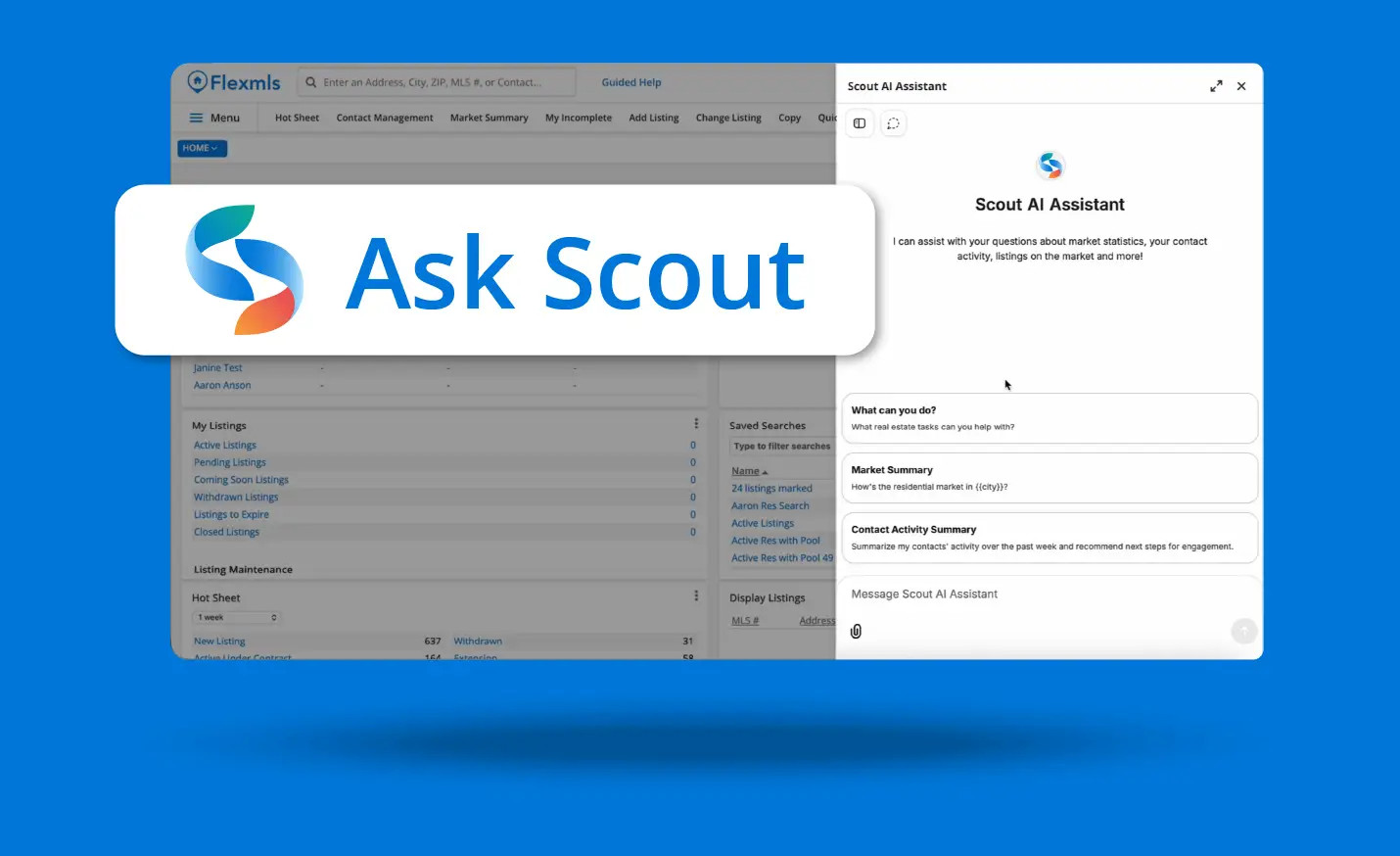
A guide for agents & brokers
Getting Started with Flexmls Scout
Flexmls Scout is the AI assistant built right into Flexmls, available on desktop and mobile. Ask a question in plain language, and Scout gives answers based on live MLS data. You can run CMAs, search listings, check market stats, and review your business without digging through screens, reports, or filters.
Overview
What is Flexmls Scout?
Scout is an AI assistant that lives inside Flexmls (if enabled by your MLS). Click Ask Scout at the top right corner of your screen, and a chat panel opens in Flexmls. There’s nothing to install, no outside AI tool to connect, and no separate login.
Unlike generic AI tools that pull from the internet, Scout only draws from your MLS data and Flexmls help resources. Scout works within your existing Flexmls permissions, so it only shows information you’re already authorized to see.
In practice, you can ask Scout things like “What was the median sales price in my market last month?” or “Run a CMA for 123 Main Street” and get answers grounded in live MLS data, not a guess.
What Scout knows about
MLS listings: search active, pending, and sold listings (including listings that are part of a datashare) using plain language
Your listings and production: how your listings are performing, your closed sales, and your history
Market statistics: median prices, days on market, inventory, and trends for your area
Contacts and activity: which contacts have viewed listings and what they’ve looked at
CMAs: a head start on comparable sales and CMA creation
Flexmls help: step-by-step how-tos for Flexmls features
MLS rules: answers about your MLS’s rules and policies (once your MLS has set this up)
Why this matters
Ask instead of search
Skip the fields and filters. Ask for “all active 3 bedroom, 2 bath homes under $350,000” and Scout builds the search for you.
Stay in Flexmls
No copying data into ChatGPT or switching between tools. Scout works where you already work.
Get answers you can trust
Scout answers from live MLS data, not random sources on the internet.
Walk in prepared
Client meeting in twenty minutes? Pull recent sales, market trends, and your listing performance in the time it takes to grab a coffee.
Get help anytime
Scout answers Flexmls how-to questions at 9 a.m. or 9 p.m., and MLS rules questions once your MLS has configured them.
Work from anywhere
Scout is in the Flexmls for Real Estate Pros iOS and Android apps, with voice dictation for questions on the go.
Keep in Mind Before You Rely on It
Verify before you send. Scout uses live MLS data and Flexmls help resources to answer questions. Like any AI assistant, it can make mistakes. Scout is there to support your work, not replace your professional judgment, so verify important details before sharing them with clients or relying on them for decisions.
You’re responsible for what you share. Anything you send or post must follow your MLS’s rules and policies, including how market statistics, sold data, and other brokers’ listings and photos can be displayed, as well as fair housing and advertising requirements.
It supports your judgment; it doesn’t replace it. Scout handles the legwork of finding information. The analysis, pricing strategy, and client relationship are still yours.
Scout only knows Flexmls. Scout doesn’t search the web or answer questions about third-party data like showing services or tax record vendors.
Availability depends on your MLS. Scout is a premium add-on your MLS chooses to enable. MLS rules answers are only available if your MLS has configured them.
Getting started
Open Scout
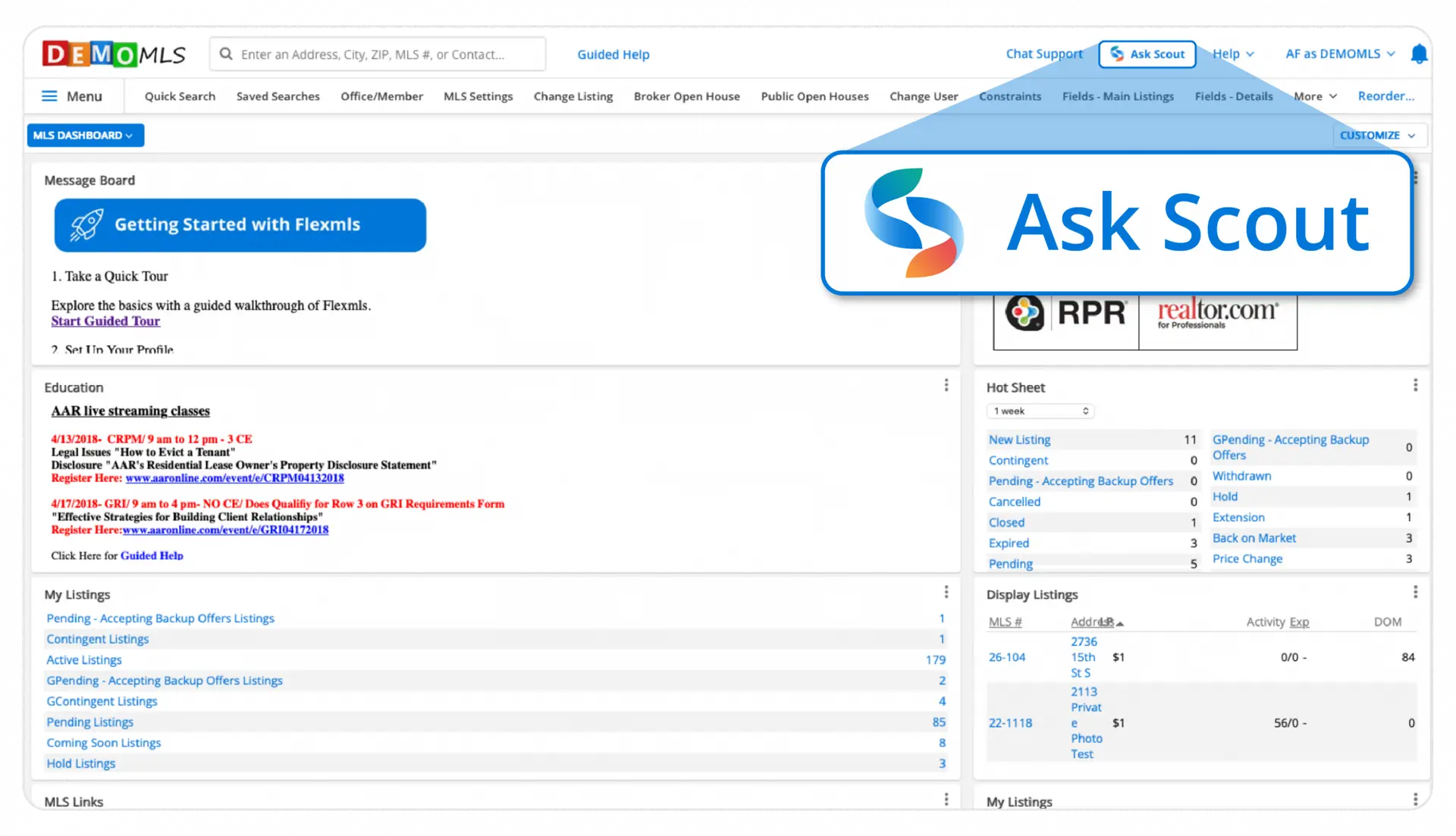
Click Ask Scout at the top right corner of your Flexmls screen.
Accept the Terms of Use
A panel opens on the right side of your screen. The first time you open Scout, you’ll see the standard FBS Terms of Use. Accept them to continue.
Ask your first question
Type a question in the message box, or pick one of the suggested starters, like Scout Introduction, CMA Creation, or Market Statistics. Scout answers right in the panel, and you can keep asking follow-up questions in the same conversation.
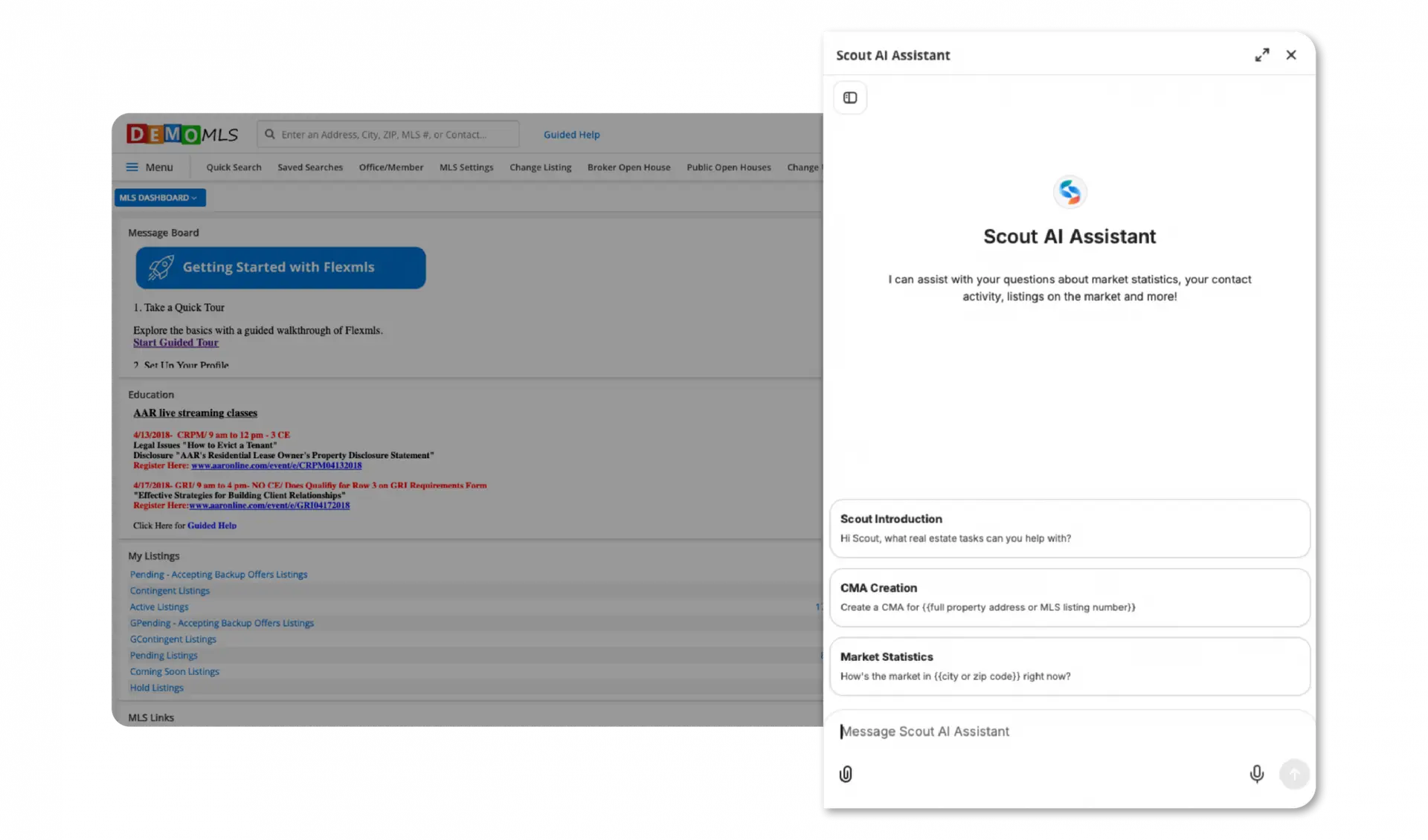
Your past conversations are saved in the chat history, which you can open from the left side of the Scout panel. You can also ask Scout to create downloadable reports you can share with your clients, such as CMAs or market trends reports for a specific ZIP code, or to generate a shareable link to the information from your query so you can pass it on to your client.
Scout on mobile
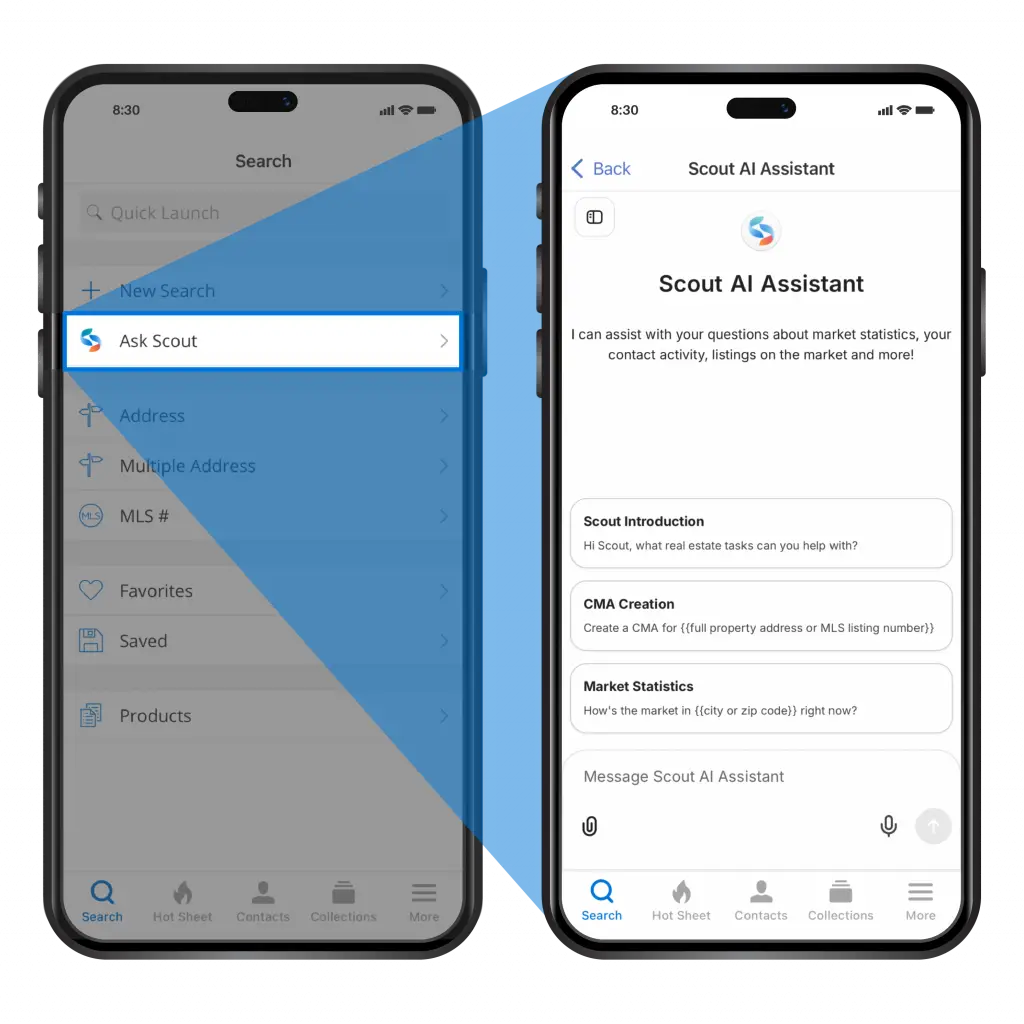
Scout is also available in the Flexmls for Real Estate Pros app for iOS and Android. Open the Search tab and tap Ask Scout.
Speak instead of type
Out in the field or at your desk with your hands full? Tap the microphone icon in the Scout message box to dictate your question instead of typing it.
Video tutorial
Watch a quick overview
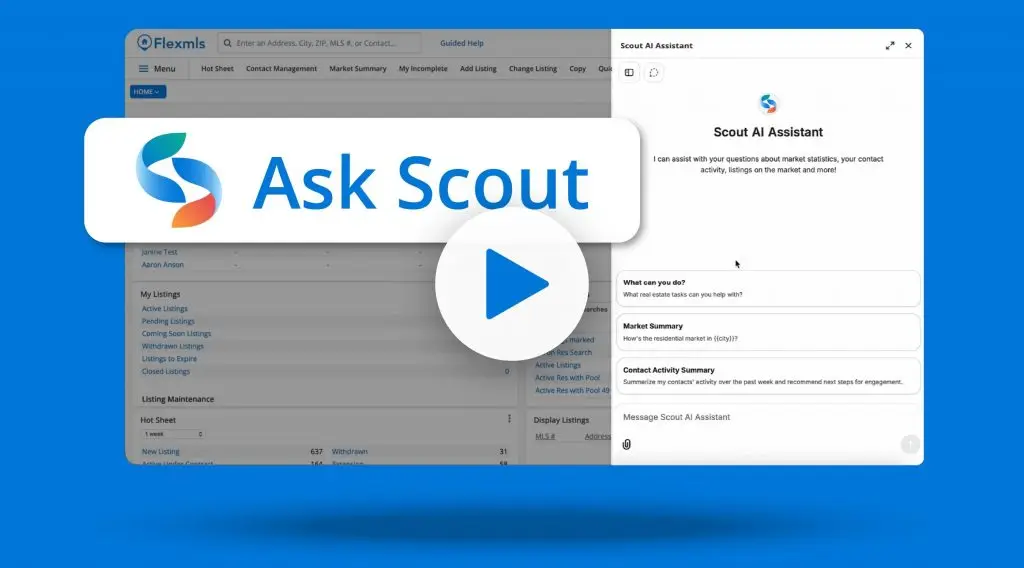
Prefer to watch? This quick video gives you an overview of how to use Scout.
Prompt library
The prompts below are just a few ideas to get you started. There are endless ways to use your MLS data with Scout, so experiment, build on what works, and adapt prompts to your market and your clients. The more specific you are, the better your results will be.
Market stats
What was the median sales price in [city or ZIP] last month?
How has days on market changed in [ZIP] over the past year?
What are the average days on market for single family homes in [area] this month?
Show me the last twelve months for [location], including new listings, pending and sold listings, median list and sold price, average days on market, sale-to-list ratio, and absorption rate.
Compare this month’s statistics to the same period last year and flag anything that changed direction.
Is [area] shifting toward buyers or sellers? Explain it in plain language I can share with a client.
Listing search
Show me three-bedroom homes that sold in [city] in the last six months.
My client wants a 3 bed, 3 bath home with a 3-stall garage in [city]. What’s on the market right now?
Find [number] bedroom, [number] bath homes under $[price] in [city or county] built after [year].
Show me residential listings in [city, ZIP, or county] that expired in the last 30 days.
What open houses are coming up this weekend in [city or ZIP]?
CMAs
Create a CMA for [full property address or MLS number].
Pull recent comps for [address] to start a CMA.
Based on comparable sales in [neighborhood] over the last six months, suggest a competitive listing price range for my [number] bed, [number] bath, [square feet] listing.
My listings and production
What are my total closed sales this year?
Show me my active listings and how many days each listing has been on the market.
How does my listings’ average days on market compare to the market average in [area]?
Contacts and activity
Show me listings my contact [name] viewed in the last 30 days.
Which of my contacts have been most active this week?
Flexmls help and MLS rules
Scout can answer questions about using Flexmls anytime, and it can answer questions about your MLS’s rules once your MLS has configured them.
How do I set up a saved search for a client?
How do I run a CMA in Flexmls?
How do I text my client a listing in Flexmls?
What are my MLS’s rules around listing photos?
What are the MLS rules around Coming Soon listings?
Frequently asked questions
Why don’t I see Ask Scout in Flexmls?
Your MLS hasn’t enabled Scout. Reach out to your MLS to ask about it.
What kinds of questions can I ask?
Here are a few examples:
“What are my total closed sales this year?”
“Show me listings my contact Sarah viewed in the last 30 days.”
“What are the average days on market for single family homes in my area this month?”
“How do I run a CMA in Flexmls?”
“What are my MLS’s rules around photos?”
See the Prompt Library for more.
Can Scout search the web?
No. Scout only pulls answers from MLS data and Flexmls help resources, not outside information.
Can Scout answer questions about third-party data?
No. Scout only has access to your Flexmls data. It won’t answer questions about showing vendors, tax vendors, and other outside services.
Can Scout answer questions about my MLS’s rules?
Yes, if your MLS has configured Scout with its rules and policies. If your MLS hasn’t done so, Scout can still answer Flexmls how-to questions.
How accurate is Scout?
Scout uses live MLS data and Flexmls help resources to answer questions. Like any AI assistant, it can make mistakes. Verify important details in Flexmls before sharing them with clients or relying on them for decisions.
Can I access my chat history?
Yes. Open the left panel in Scout to see your past conversations.
Can I use Scout on my phone?
Yes. Scout is available in the Flexmls for Real Estate Pros app for iOS and Android, including voice dictation.
Is there a usage limit?
Scout has a high monthly usage limit per member that most people will never reach, and you can have up to three Scout chats going at once. If you do hit the limit, Scout will let you know when it resets. You can check your balance anytime under your profile > Settings > Account in Scout.
What information is collected, and how is it used?
Scout follows the FBS Terms of Use. Interactions with Scout are logged to help improve the platform. MLS data is not retained or used to train AI models.
How is Scout different from the Flexmls MCP Server?
Both let you use AI with your MLS data. The Flexmls MCP Server connects outside AI tools like ChatGPT and Claude to Flexmls, which takes some setup. Scout lives inside Flexmls, so there’s no setup and no third-party tool, and it can also work with your contacts and datashare listings where available.